
Learn AI With Me — Week 1: Basic Photo Cleanup With AI
A simple, practical walkthrough of how commercial brokers can improve listing photos using basic AI tools.
Learn AI With Me — Week 1: Basic Photo Cleanup With AI
Welcome to Week 1 of my “Learn AI With Me” series.
This week, I’m starting with something simple and extremely practical: using AI to clean up my own listing photos.
If you’re a commercial broker like me, you probably take most of your photos with your phone. We don’t usually hire photographers, and we don’t need magazine‑style images. But even basic iPhone photos can look noticeably better with a little AI help — and that’s exactly what I did this week.
⭐ What I Actually Did (My Real Workflow)
For this week’s example, I didn’t use Photoshop, Lightroom, or any complicated software.
I used
Nano‑Banana (ChatGPT 5) — the same AI tool I use for writing, brainstorming, and research.
Here’s the exact workflow:
- I took a quick iPhone photo of a property.
- I uploaded that photo directly into Nano‑Banana.
- I used a short prompt (included below).
- Nano‑Banana automatically cleaned up the image.
- I downloaded the improved version.
That’s it.
No sliders.
No settings.
No technical knowledge required.
This is the whole point of Week 1: AI can make your everyday photos clearer with almost no effort.
⭐ The Exact Prompt I Used in Nano‑Banana
Here is the real, word‑for‑word prompt I used to clean up the photo:
“Enhance this photo for clarity, brightness, and color accuracy. Do not add or remove anything. Keep the property exactly as it is. Make the image look clean and professional without altering the structure, features, or condition of the property.”
This keeps the edit ethical, accurate, and safe.
We’re not changing the property — we’re just helping the photo reflect what it actually looks like in person.
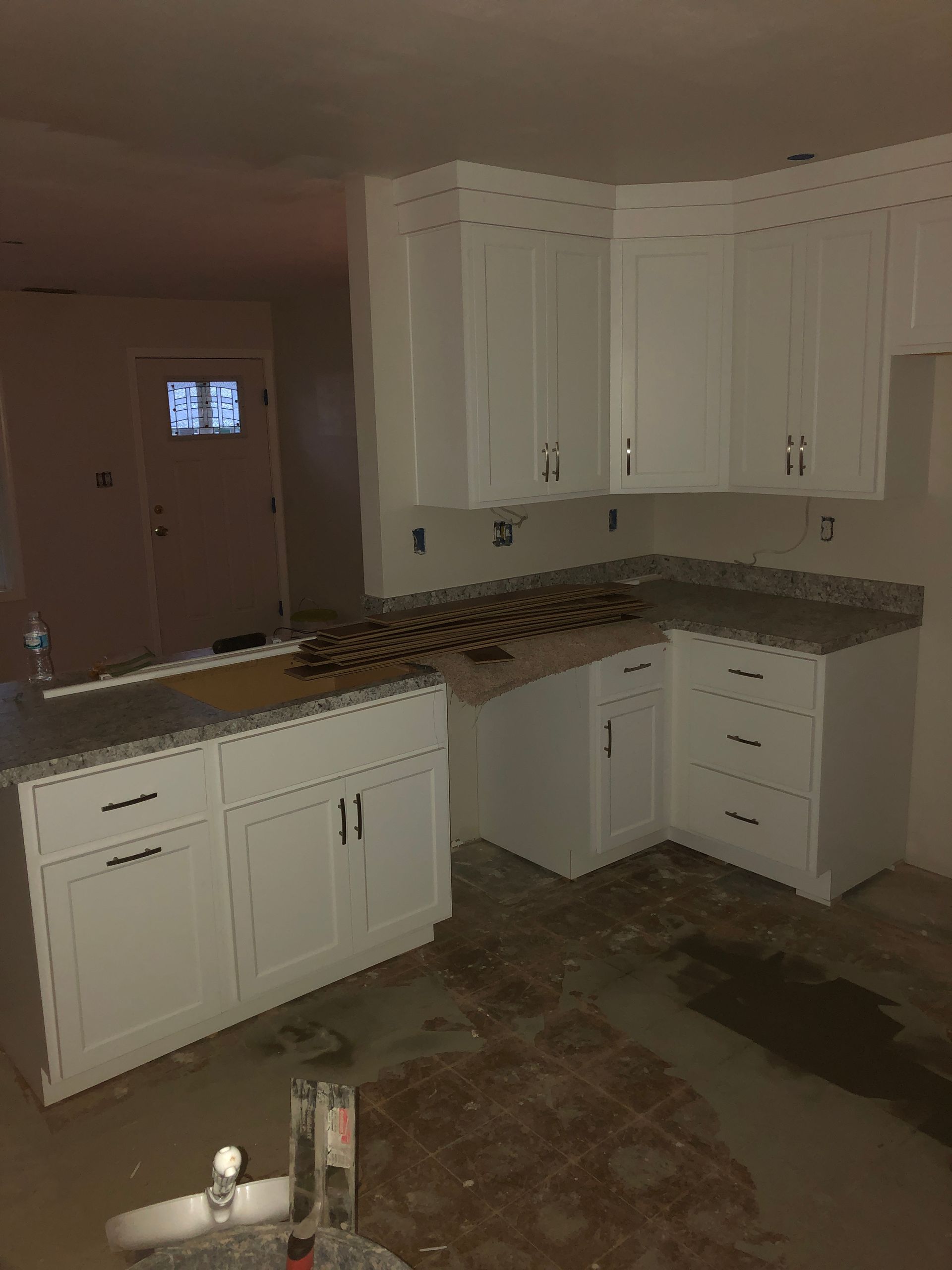
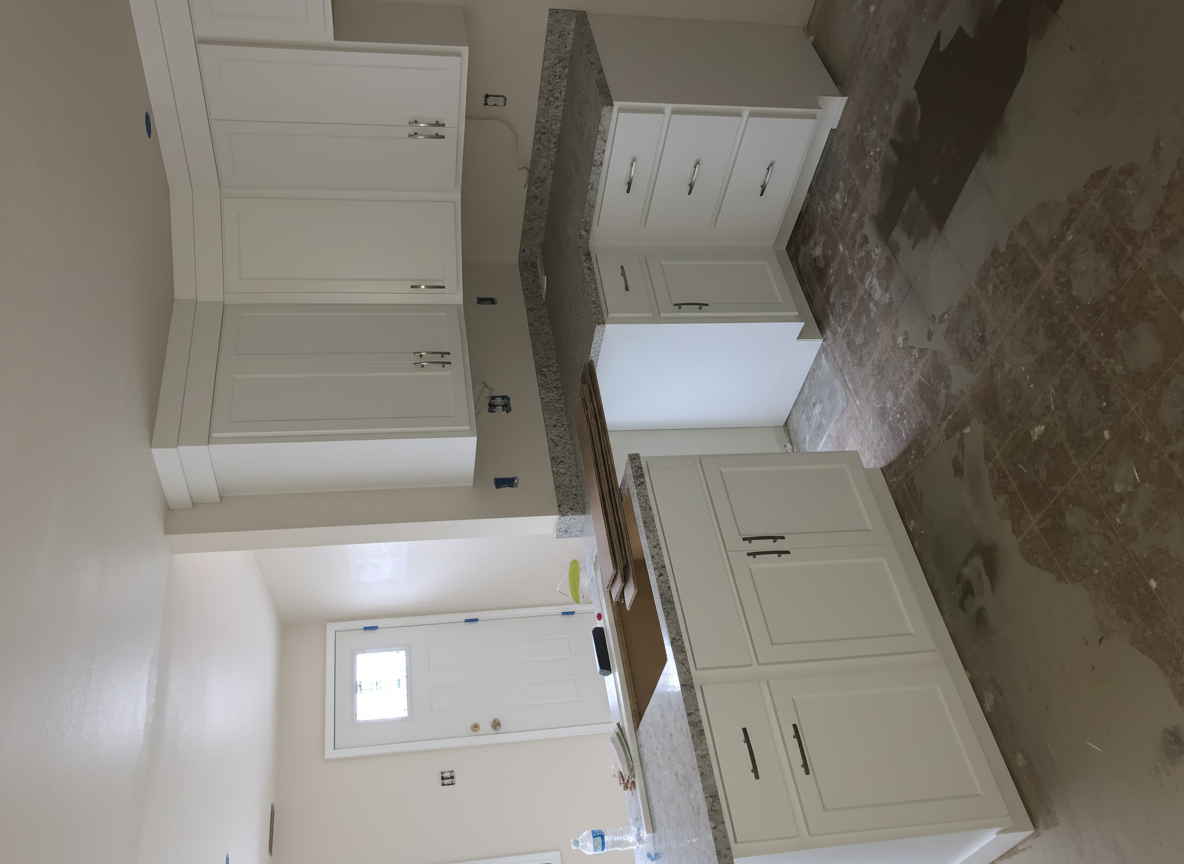
⭐ Before and After
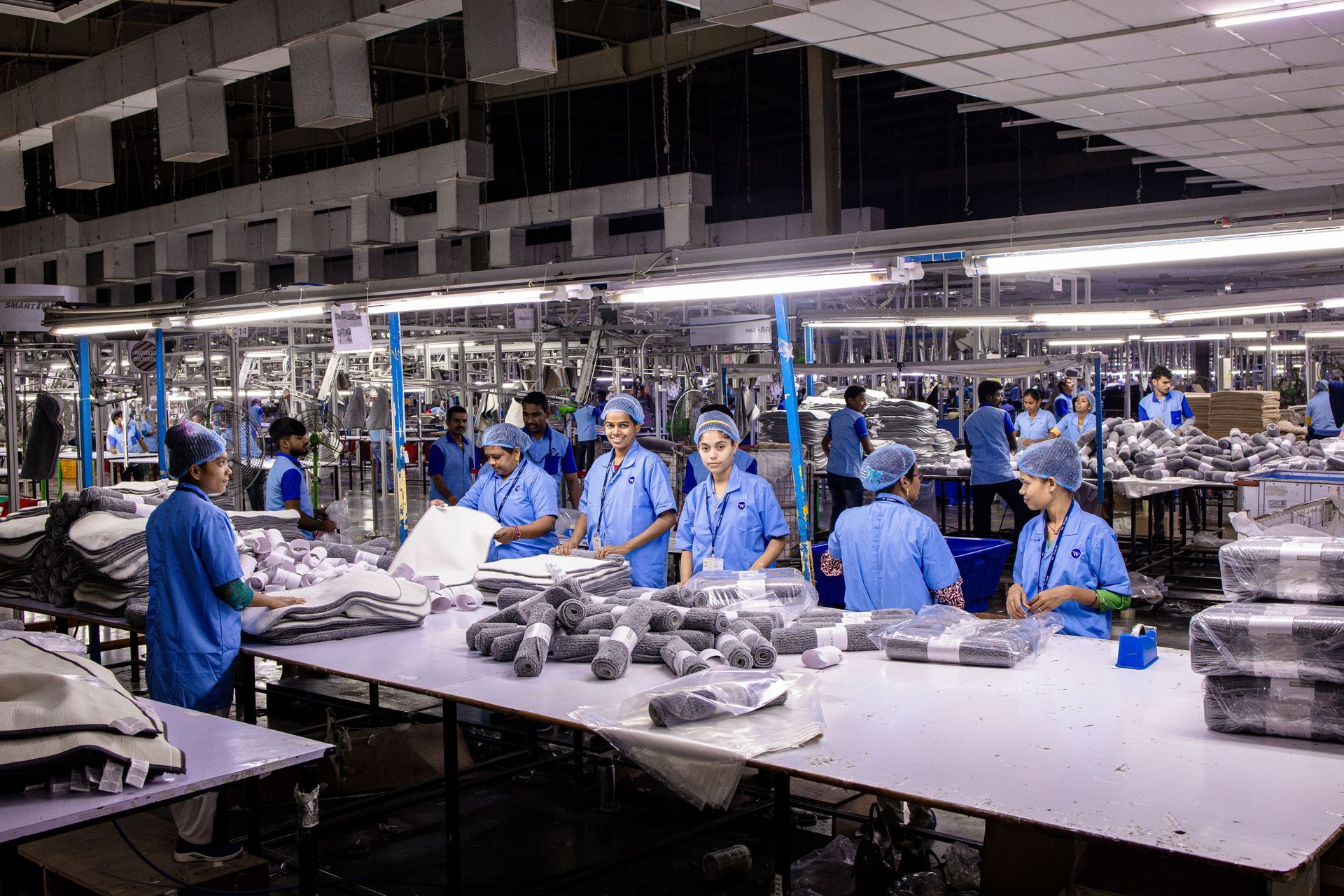
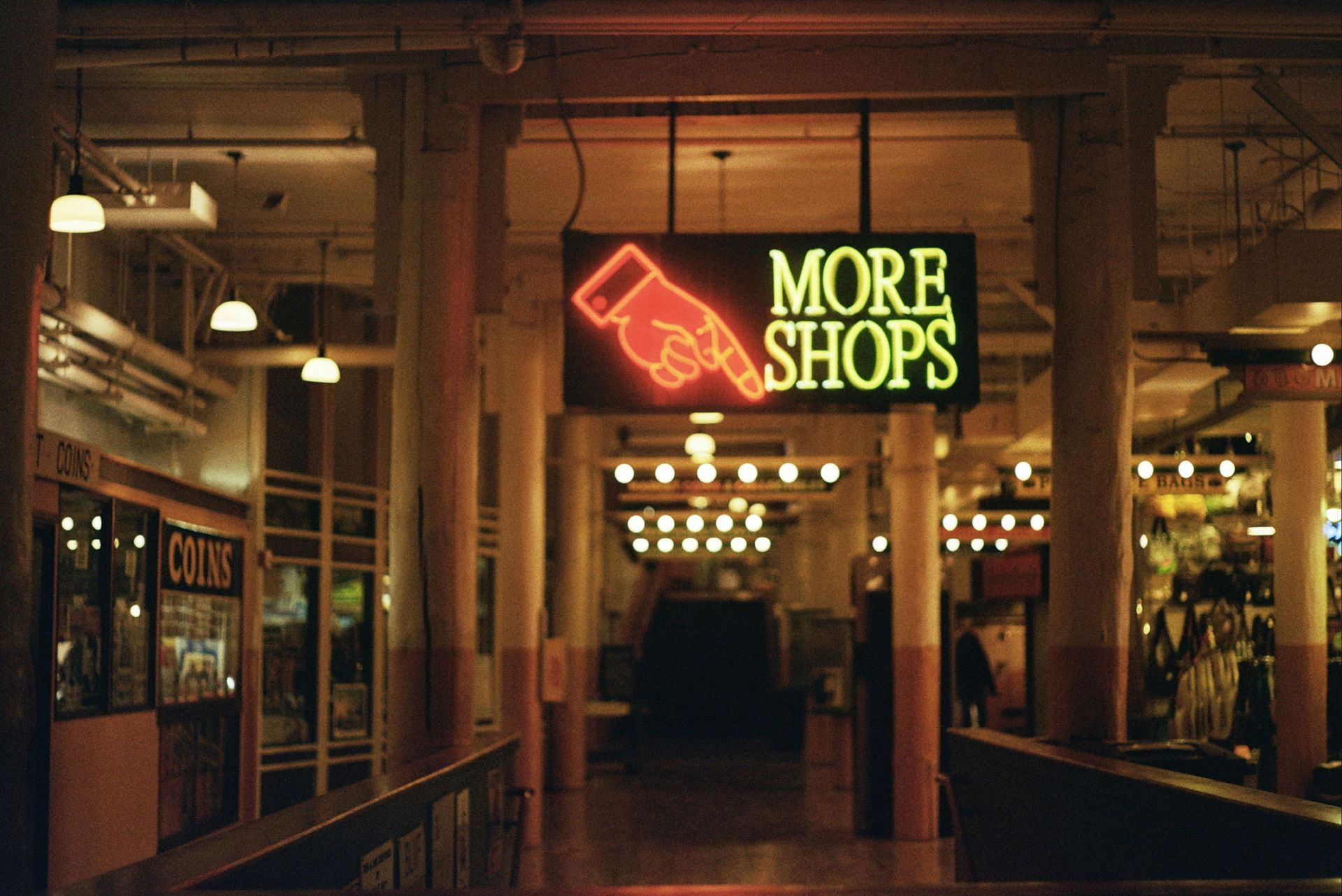
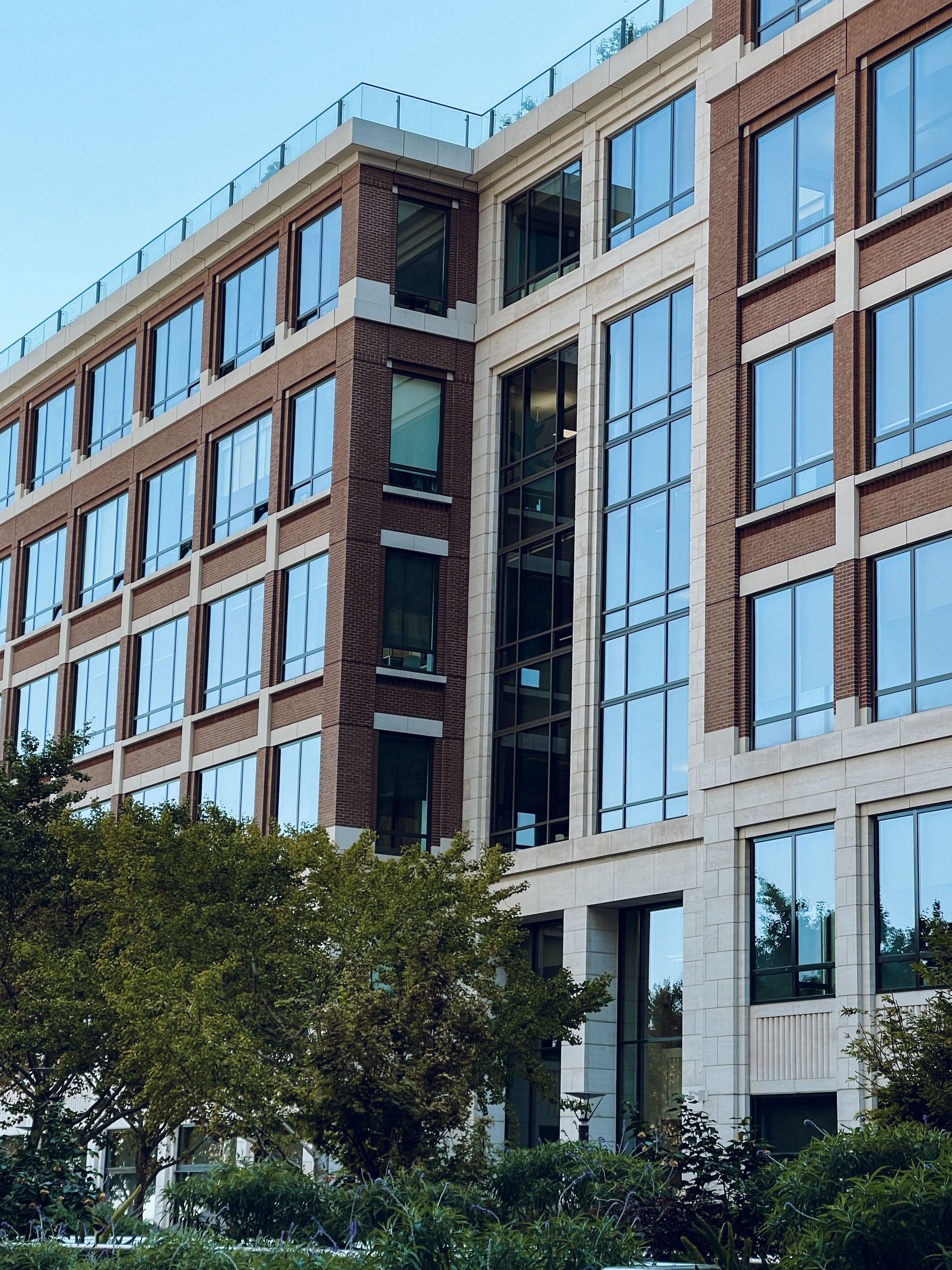
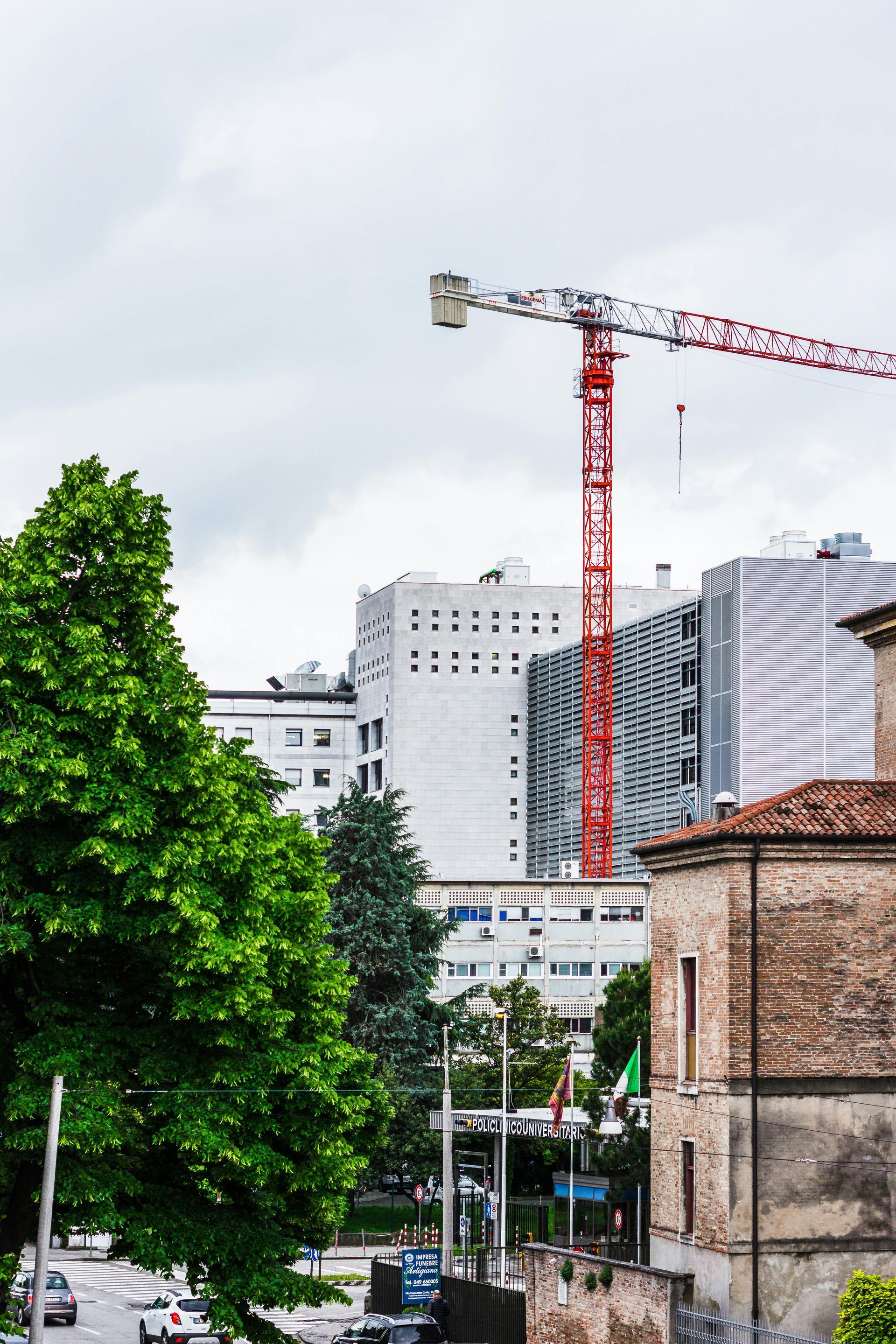
(Note - I left the photos just as they were given to me. You can see that it rotated my photo, which is easy to adjust but I wanted to leave it exactly as I received it - It might make it a bit hard to compare but I think you can see the very obvious differences in the lighting)
⭐ Why This Matters for Commercial Real Estate
Commercial listings often stay online for months. A clearer photo helps:
- prospects understand what they’re looking at
- your listing stand out
- you present yourself professionally
- the property look the way it actually looks in person
And because these are my own photos, I don’t have to worry about:
- copyright
- licensing
- photographer restrictions
- derivative‑work issues
I own the originals.
I own the edits.
I control the workflow.
⭐ Other Tools You Can Use (If You Want More Control)
While I used Nano‑Banana for this example, there are several other tools that can do basic cleanup:
- Use.AI — Basic Enhancement
- Adobe Express — Auto Enhance
- Luminar Neo — AI Enhance
- Canva — Photo Enhance
- Photoleap
- Even the iPhone “Auto” adjustment
They all do roughly the same thing:
clean up the photo without changing the property.
If you want more control later, these tools give you sliders and settings.
But for Week 1, the goal is simplicity — and Nano‑Banana handled it perfectly.
⭐ Ethics Check: Why This Edit Is Safe
This type of enhancement:
- doesn’t change the property
- doesn’t hide defects
- doesn’t add features
- doesn’t mislead
- doesn’t require disclosure in most states
It’s the digital equivalent of wiping a smudge off the lens.
⭐ Coming Next Week: Sky Replacement & Lighting Correction
Week 2 is where things get more interesting — and more regulated.
We’ll cover:
- when sky replacement is acceptable
- when it crosses the line
- how to avoid misrepresentation
- how metadata and AI detection tools work
- how to disclose edits properly
This is where the real learning begins.