
Learn AI Photo Editing With Me — Week 3: Ethical Object Removal
What I learned when different AI tools handled the same photo in very different ways

Learn AI Photo Editing With Me — Week 3: Ethical Object Removal
Subtitle: What I learned when different AI tools handled the same photo in very different ways
Week 3: Ethical Object Removal — And What Happens When AI Tools Don’t Behave the Same
Week 3 was supposed to be simple.
The assignment:
Remove temporary items from a renovation photo without altering the property itself.
This is an ethical, appropriate use of AI in real estate:
- Remove clutter
- Remove tools
- Remove ladders
- Remove jobsite debris
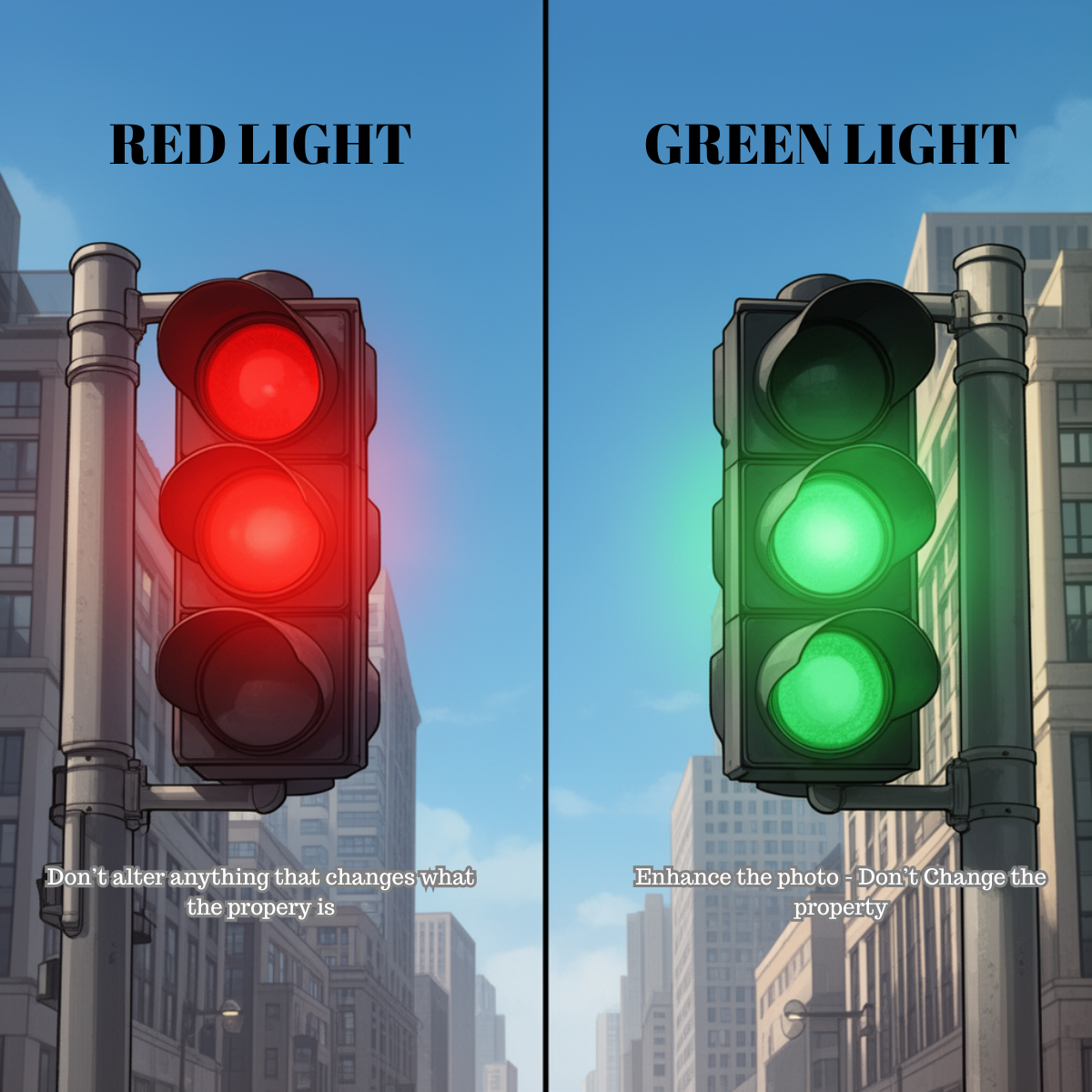
But do not remove damage, stains, or anything that changes the property’s condition.
I expected a clean, straightforward edit. That’s not what happened.
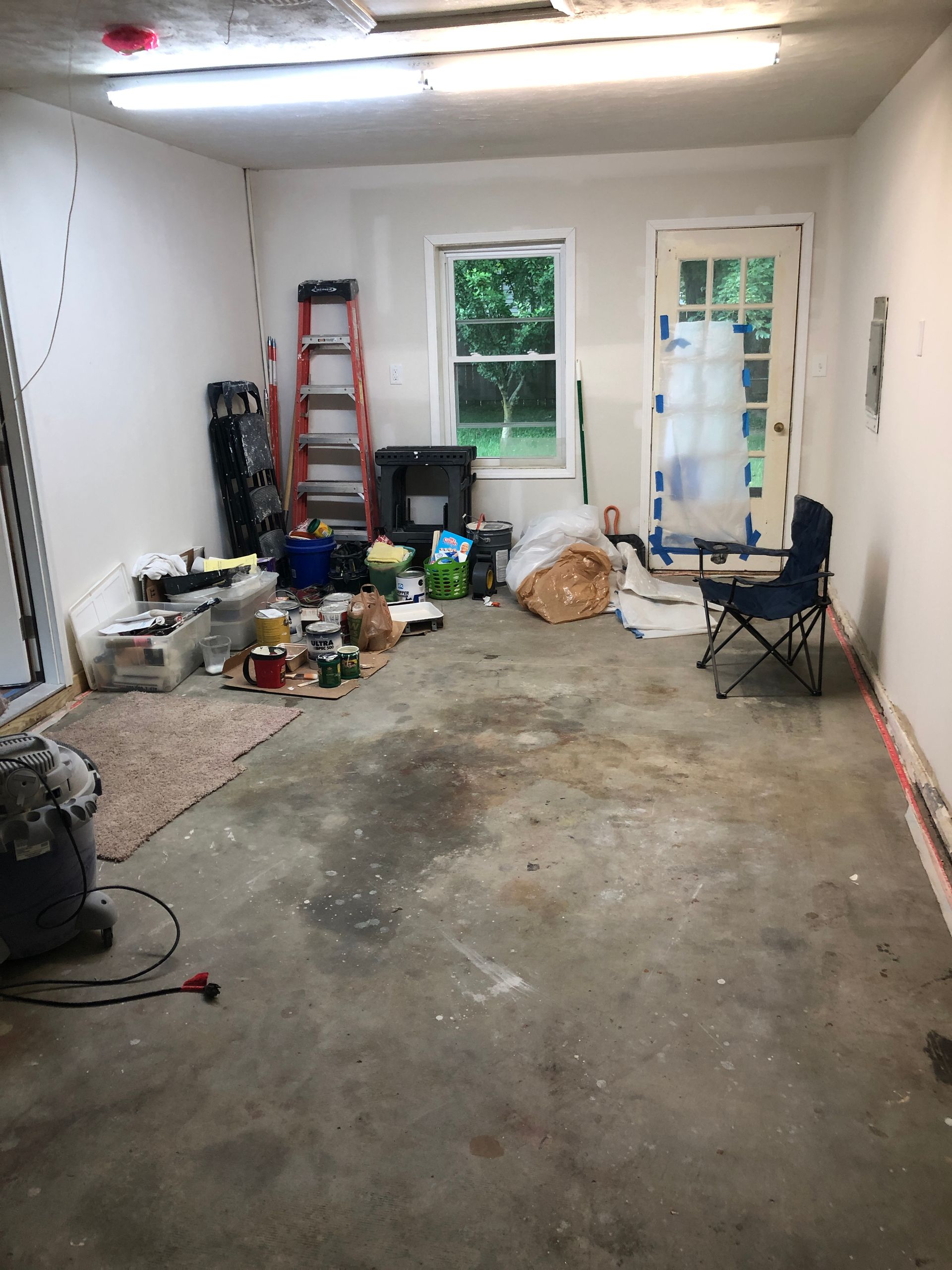
The Original Photo
This is the baseline image — cluttered, mid‑renovation, and perfect for Week 3.
When the AI Started Fighting Me
This is where things got interesting.
I uploaded the photo into an AI tool and gave it a clear, ethical prompt:
- Remove temporary items
- Don’t change the structure
- Keep the original orientation
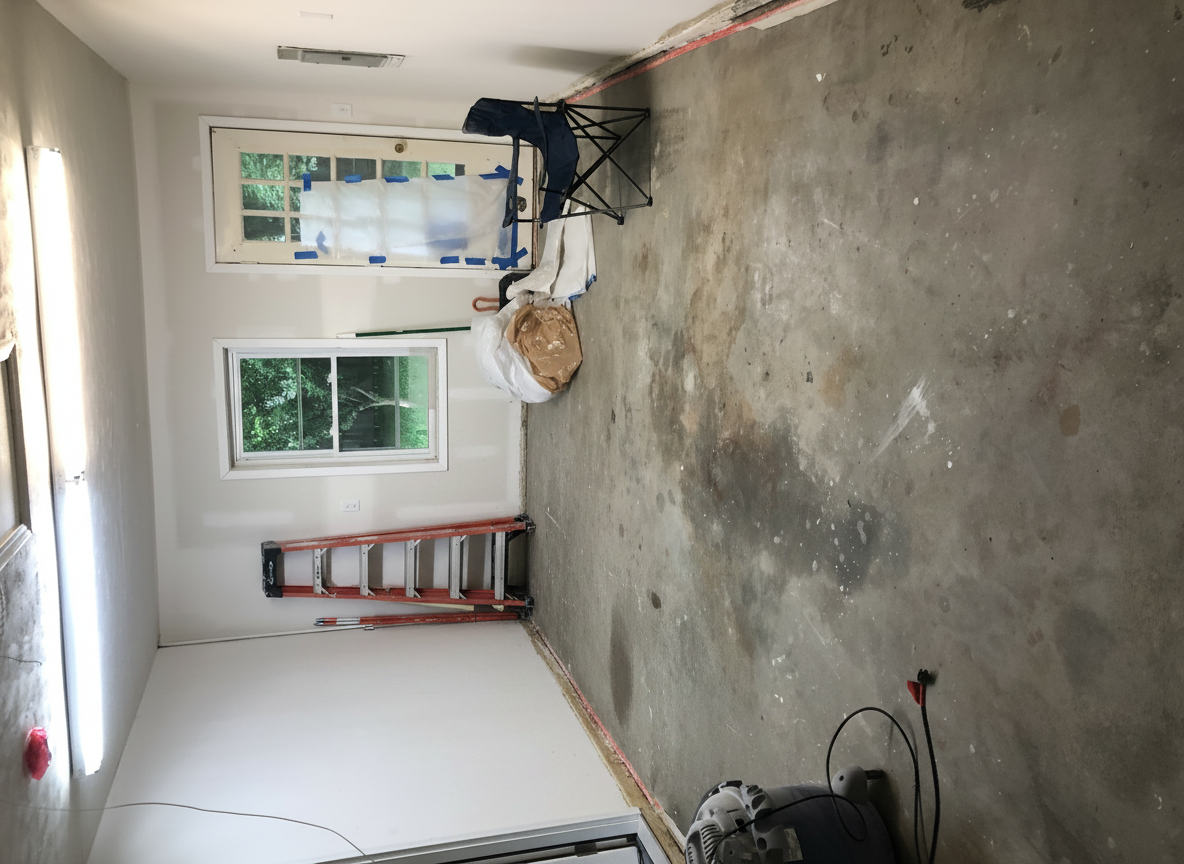
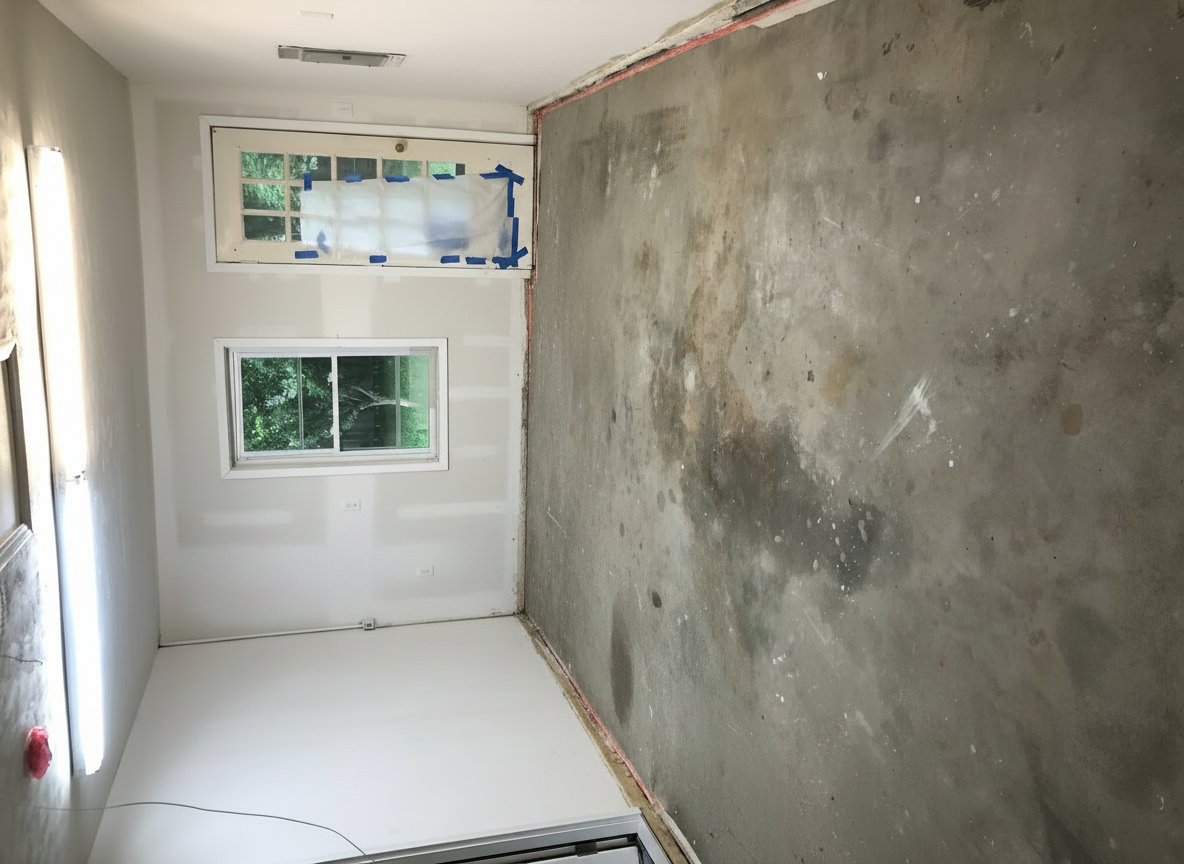
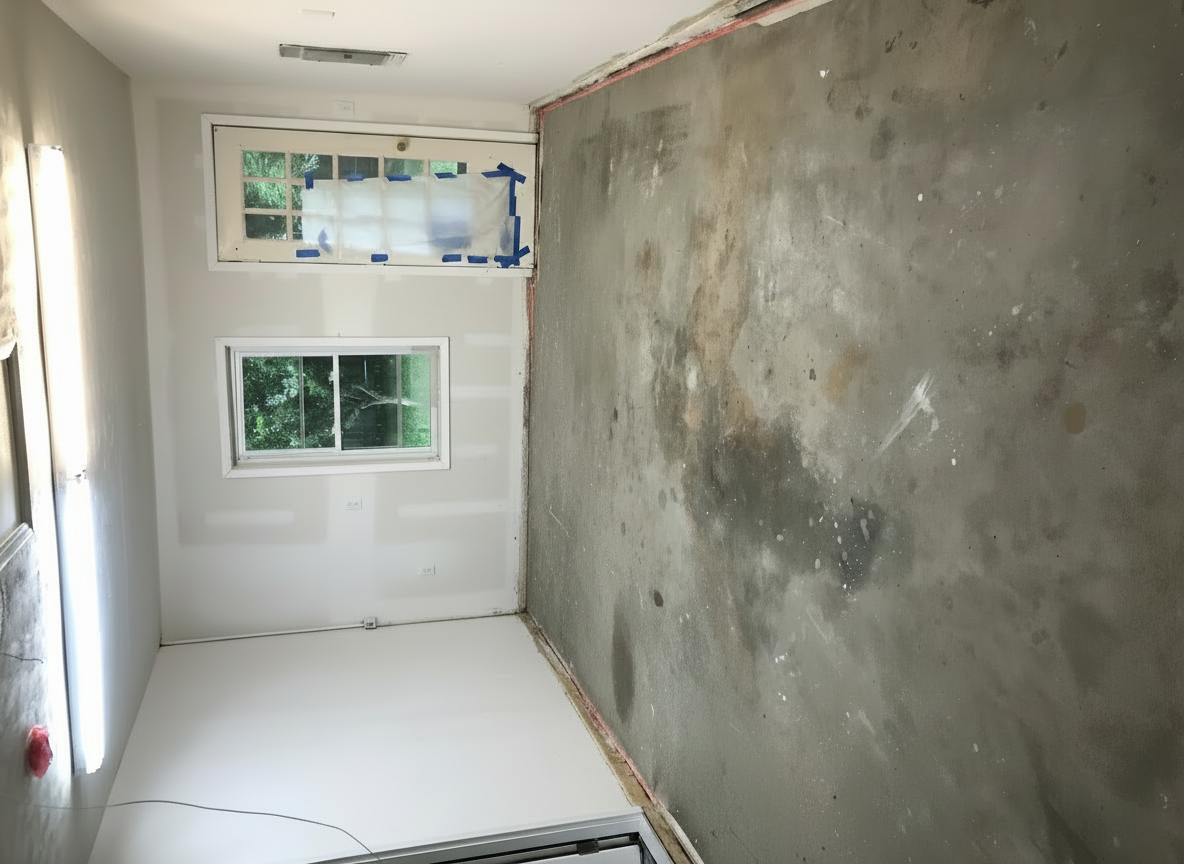
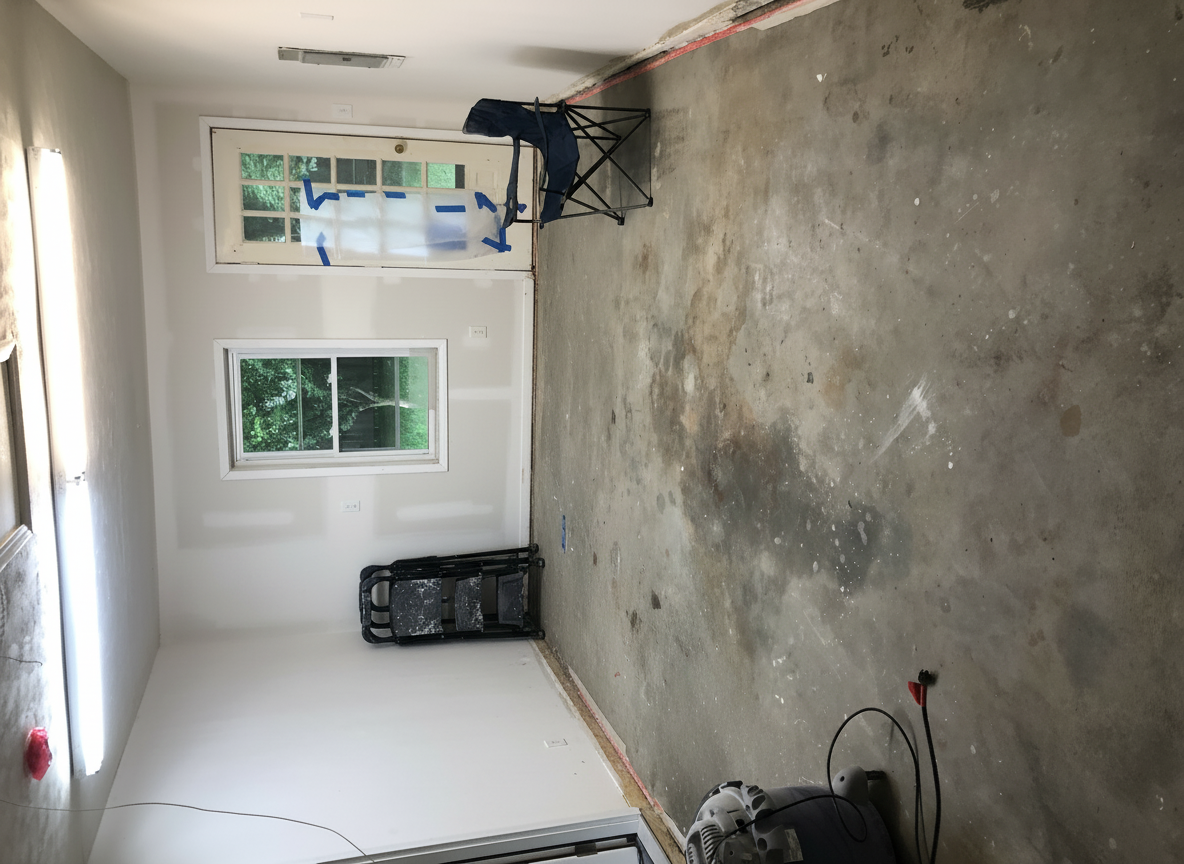
And the tool… rotated the image.
I refined the prompt.
It rotated it again.
I clarified the orientation.
It rotated it again.
At first, I thought I was doing something wrong.
I wasn’t.
I had run into one of the biggest lessons of Week 3:
Different AI tools behave very differently — and some will override your instructions even when you’re crystal clear.
Some tools:
- auto‑rotate
- auto‑straighten
- auto‑correct geometry
- assume they know better
Others follow instructions literally.
Understanding the difference matters.
The Problem Sequence
Here’s the visual story of the friction — the tool differences, the rotation issue, and the unexpected behavior.
The Fix
Once I realized the issue wasn’t my prompt but the tool, everything clicked.
Here’s what solved it:
Start a fresh chat
AI tools carry context.
Old instructions can bleed into new edits.
Re‑upload the original photo
Once a tool rotates an image, that rotated version becomes the “master.”
You can’t fix orientation by prompting — you must reset it.
Switch to a tool that respects orientation
Some tools auto‑correct aggressively.
Others follow instructions literally.
Once I switched tools, started fresh, and re‑uploaded the original, the edit worked exactly as intended.
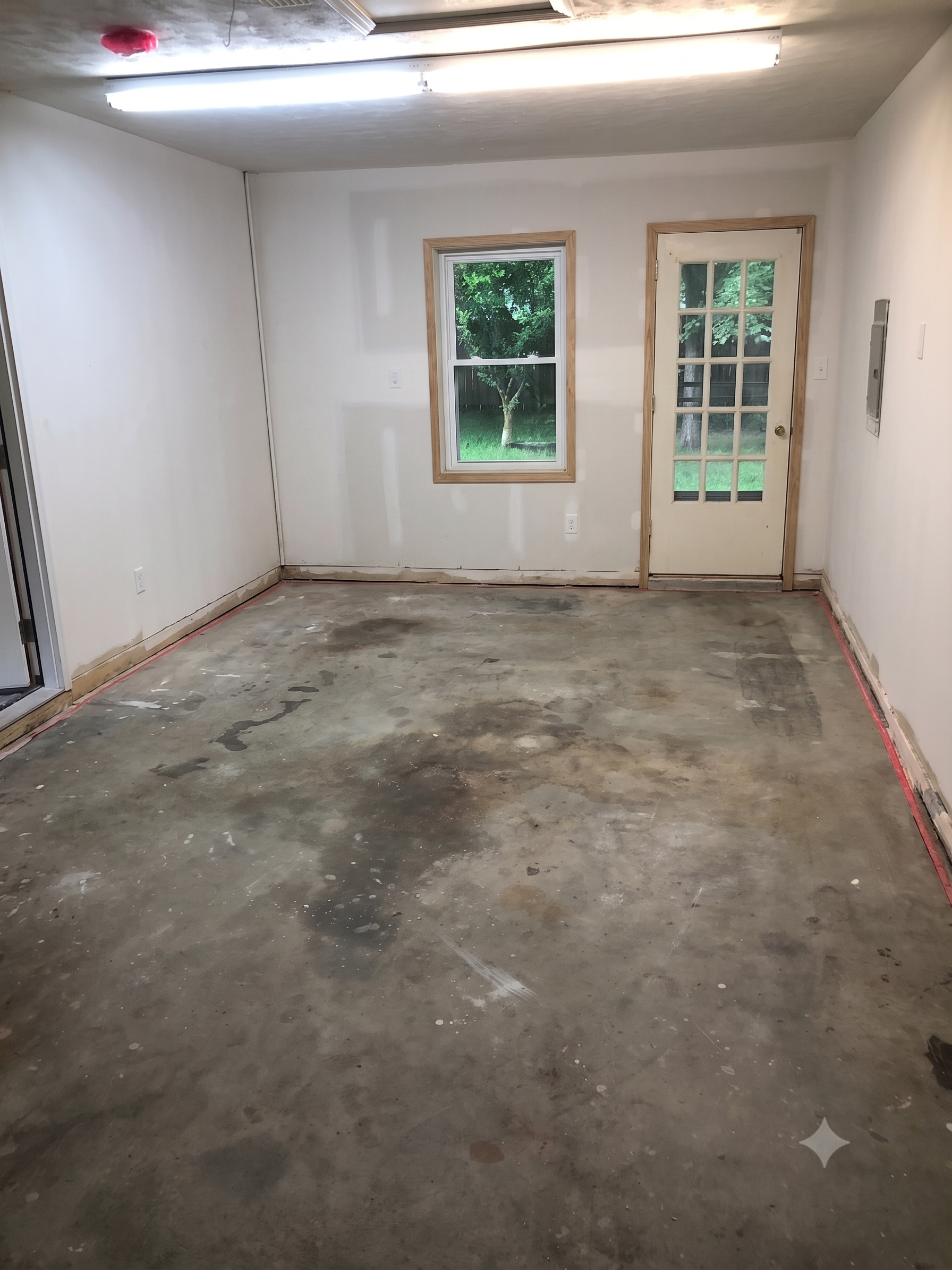
Before / After
This is the moment where the transformation becomes clear — and ethical.
What I Learned This Week
This week wasn’t just about removing clutter.
It was about understanding how AI tools behave — and how to work with them instead of fighting them.
Here are the big takeaways:
1. Different AI tools behave differently
Some auto‑correct aggressively.
Some follow instructions literally.
Neither is “wrong” — but you need to know which is which.
2. Always start a fresh chat for each new image
This prevents inherited instructions from affecting your edit.
3. If the AI rotates your image, re‑upload the original
Don’t try to fix a rotated version.
Reset the workflow.
4. Ethical object removal matters
Remove clutter.
Don’t remove defects.
Clarity, not deception.
5. Iteration is normal
AI editing isn’t always one‑and‑done.
Sometimes the friction is the lesson.
Wrap‑Up
Week 3 taught me more than I expected.
Not just how to remove objects ethically — but how to understand the behavior of the tools themselves. And that’s a skill every agent will need as AI becomes more integrated into our workflows.
Next week, we build on this momentum.
If you want, I can now help you:
- polish the SEO description
- write the excerpt/preview text
- choose tags
- or check the formatting before you publish
Just tell me what you want next.
When the AI Started Fighting Me
This is where things got interesting.
I uploaded the photo into an AI tool and gave it a clear, ethical prompt:
- Remove temporary items
- Don’t change the structure
- Keep the original orientation
And the tool… rotated the image.
I refined the prompt.
It rotated it again.
I clarified the orientation.
It rotated it again.
At first, I thought I was doing something wrong.
I wasn’t.
I had run into one of the biggest lessons of Week 3:
Different AI tools behave very differently — and some will override your instructions even when you’re crystal clear.
Some tools:
- auto‑rotate
- auto‑straighten
- auto‑correct geometry
- assume they know better
Others follow instructions literally. Understanding the difference matters.
The Problem Sequence
Here’s the visual story of the friction — the tool differences, the rotation issue, and the unexpected behavior.
Nature's Symphony
Faces of Humanity
Sands of Time
Beyond Boundaries
The Fix
Once I realized the issue wasn’t my prompt but the tool, everything clicked. Here’s what solved it:
Start a fresh chat
AI tools carry context. Old instructions can bleed into new edits.
Re‑upload the original photo
Once a tool rotates an image, that rotated version becomes the “master.” You can’t fix orientation by prompting — you must reset it.
Switch to a tool that respects orientation
Some tools auto‑correct aggressively. Others follow instructions literally.
Once I switched tools, started fresh, and re‑uploaded the original, the edit worked exactly as intended.
Before / After
This is the moment where the transformation becomes clear — and ethical.
What I Learned This Week
This week wasn’t just about removing clutter.
It was about understanding how AI tools behave — and how to work with them instead of fighting them.
Here are the big takeaways:
1. Different AI tools behave differently
Some
auto‑correct aggressively. Some follow instructions literally.
Neither is “wrong” — but you need to know which is which.
2. Always start a fresh chat for each new image
This prevents inherited instructions from affecting your edit.
3. If the AI rotates your image, re‑upload the original
Don’t try to fix a rotated version. Reset the workflow.
4. Ethical object removal matters
Remove clutter. Don’t remove defects. Clarity, not deception.
5. Iteration is normal
AI editing isn’t always one‑and‑done. Sometimes the friction is the lesson.
Wrap‑Up
Week 3 taught me more than I expected. Not just how to remove objects ethically — but how to understand the behavior of the tools themselves. And that’s a skill every agent will need as AI becomes more integrated into our workflows.
Next week, we build on this momentum.